Find repeated failures
Group failures across builds, devices, tests, and app flows before another run wastes time.
From people you trust
“Get the cardamom bun.”
Build and operate
Coding agents are pretty good at writing code. But completing mobile development tasks still requires someone to open Xcode, run the app, inspect its behavior, and determine whether the change actually worked.
Linor gives agents the native iOS development tools they need to complete tasks end-to-end. Build, run, and verify iOS apps from the coding tools you already use, including Claude Code, Cursor, and Codex, on Windows, Linux, or macOS.
AUTOMATE TASKS
Turn mobile development tasks into workflows that run without someone standing by. With Linor, agents can reproduce crashes, verify fixes in the simulator, and open PRs backed with evidence.
Learn and improve
Coming soonLinor turns multiple builds into shared intelligence. It captures logs and tests, connects patterns across runs, and proactively proposes fixes for issues that keep resurfacing.
Explore Linor for your team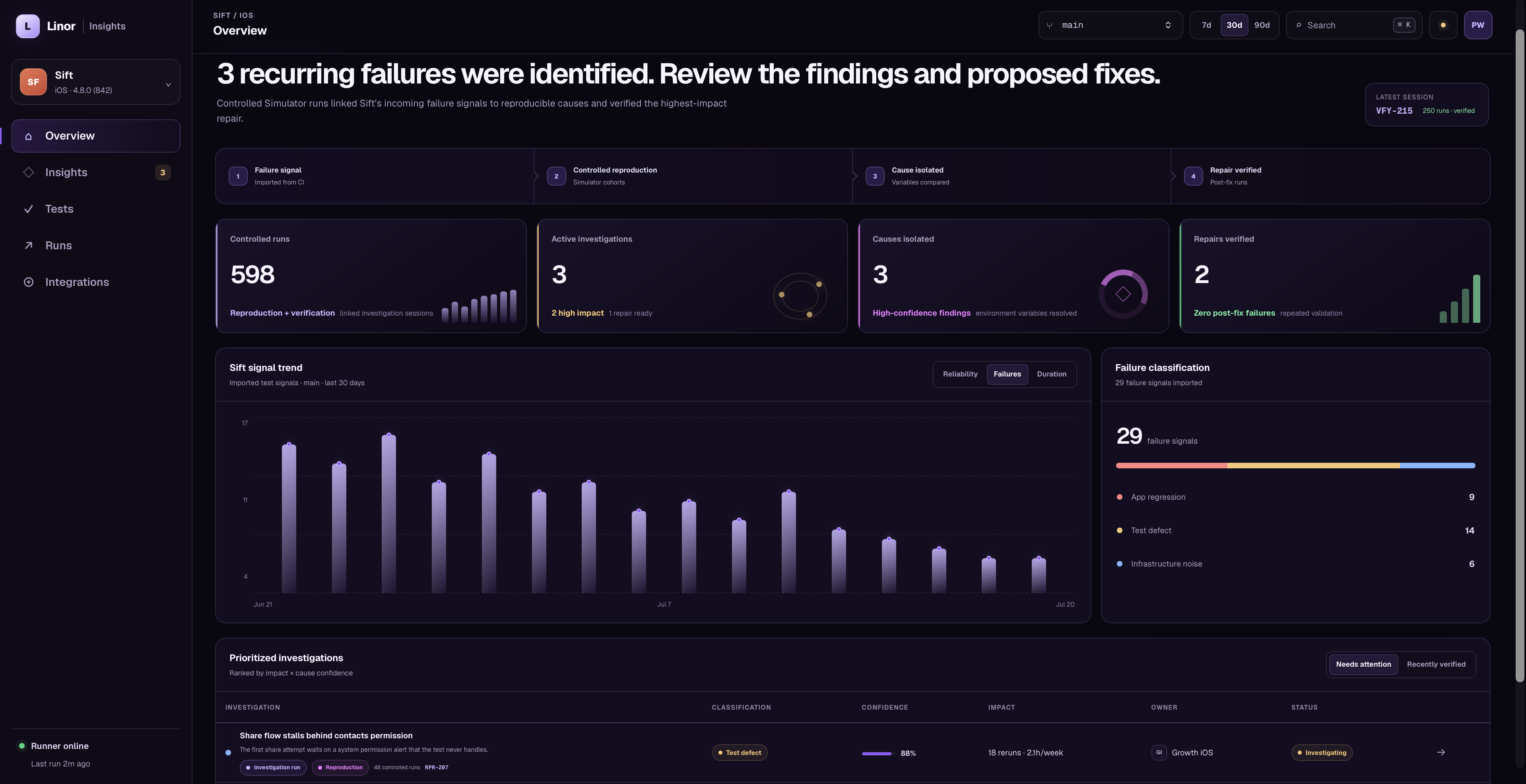
Group failures across builds, devices, tests, and app flows before another run wastes time.
Follow the run, evidence, logs, and agent actions that led from failure to diagnosis.
Rank recurring failures by impact, then automatically propose a pull request for the highest-impact repair with diagnosis and verification evidence.